Mobile at Mozilla
Margaret Leibovic @mleibovic
4 December 2012
Margaret Leibovic @mleibovic
4 December 2012
Mozilla's mission is to promote openness, innovation and opportunity on the web.
Create a GeckoEvent in Java:
GeckoEvent e = GeckoEvent.createBroadcastEvent("my-event", "data");
GeckoAppShell.sendEventToGecko(e);
Add an observer in JS:
Services.obs.addObserver(observer, "my-event", false);
function observer(aSubject, aTopic, aData) {
  // Do some stuff
};
Create a JSON message in JS:
let message = {
  gecko: {
    type: "another-event", ...
  }
};
sendMessageToJava(message);
Register a listener in Java:
GeckoAppShell.registerGeckoEventListener("another-event", listener);
GeckoEventListener listener = new GeckoEventListener() {
  public void handleMessage(String event, JSONObject message) {
    // Do some stuff
  }
}
In Java, use an Android API to listen for a back button press:
@Override
public void onBackPressed() {
  GeckoEvent e = GeckoEvent.createBroadcastEvent("Session:Back", "");
  GeckoAppShell.sendEventToGecko(e);
}
In JS, use a Gecko API to navigate back in session history:
Services.obs.addObserver(handleBackPressed, "Session:Back", false);
function handleBackPressed(aSubject, aTopic, aData) {
  BrowserApp.selectedBrowser.goBack();
};
Listen for DOMTitleChanged events in JS, and pass them along to Java:
Tab.prototype = {
  create: function(...) {
    this.browser.addEventListener("DOMTitleChanged", this, true);
  },
  handleEvent: function(aEvent) {
    let message = {
      gecko: {
        type: "DOMTitleChanged",
        tabID: this.id,
        title: aEvent.target.title }
    }
    sendMessageToJava(message);
  }
}
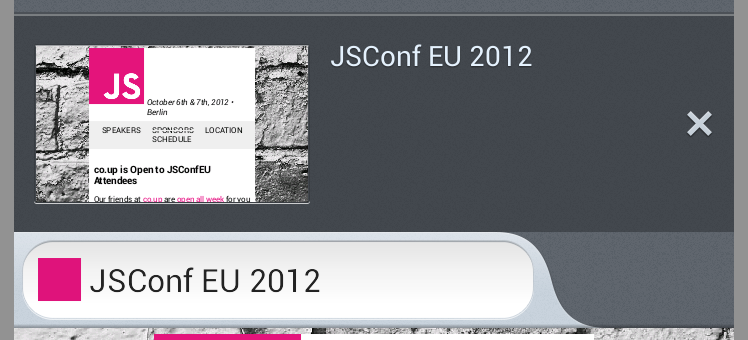
Update the tab's title in the native Java UI:
GeckoAppShell.registerGeckoEventListener("DOMTitleChanged", listener);

GeckoEventListener listener = new GeckoEventListener() {
  public void handleMessage(String event, JSONObject message) {
    int tabId = message.getInt("tabID");
    Tab tab = Tabs.getInstance().getTab(tabId);

    String title = message.getString("title");
    tab.updateTitle(title);
  }
}
An Open Web App manifest contains information that lets the browser interact with the app
{
  "name": "My App",
  "description": "My elevator pitch goes here",
  "launch_path": "/",
  "icons": {
    "128": "/img/icon-128.png"
  },
  "developer": {
    "name": "Your name or organization",
    "url": "http://your-homepage-here.org"
  },
  "default_locale": "en"
}
To self-publish an app from a page that you control, you can trigger installation of the app
// Request to install an Open Web App
var request = window.navigator.mozApps.install(manifestUrl);
request.onsuccess = function() {
  // Save the App object that is returned
  var appRecord = this.result;
  alert('Installation successful!');
};
request.onerror = function() {
  // Display the error information from the DOMError object
  alert('Install failed, error: ' + this.error.name);
};
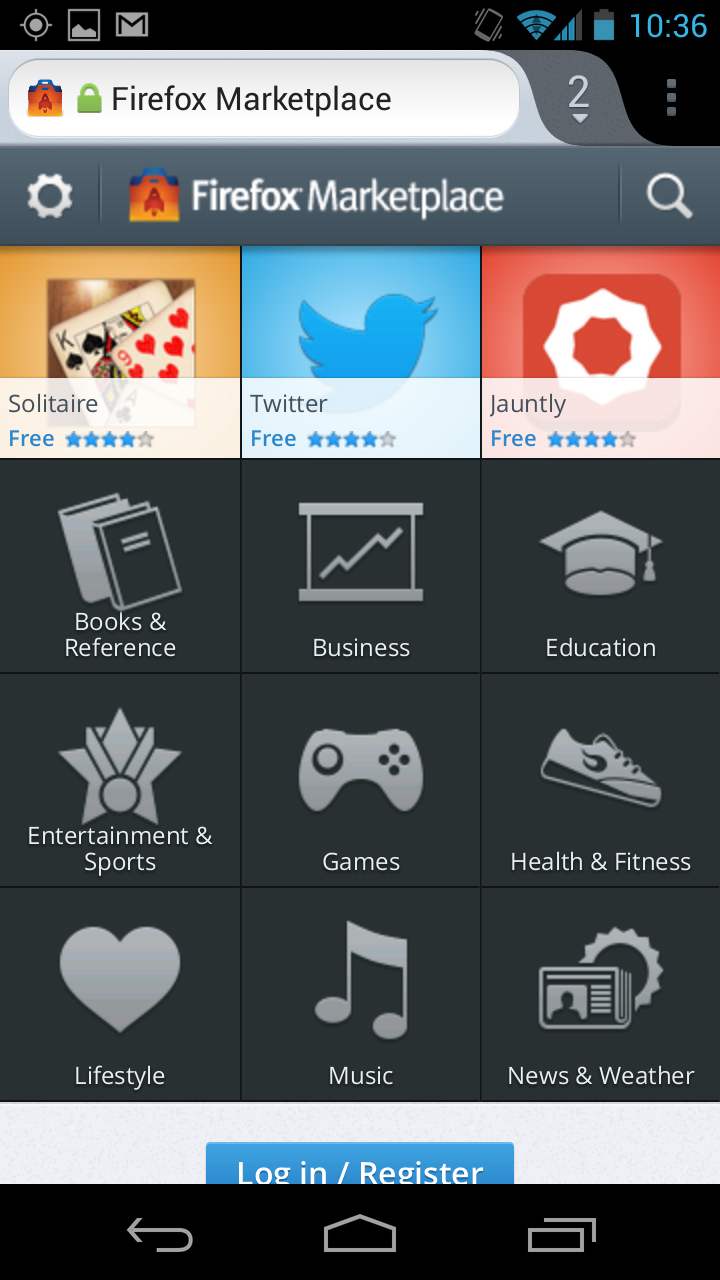
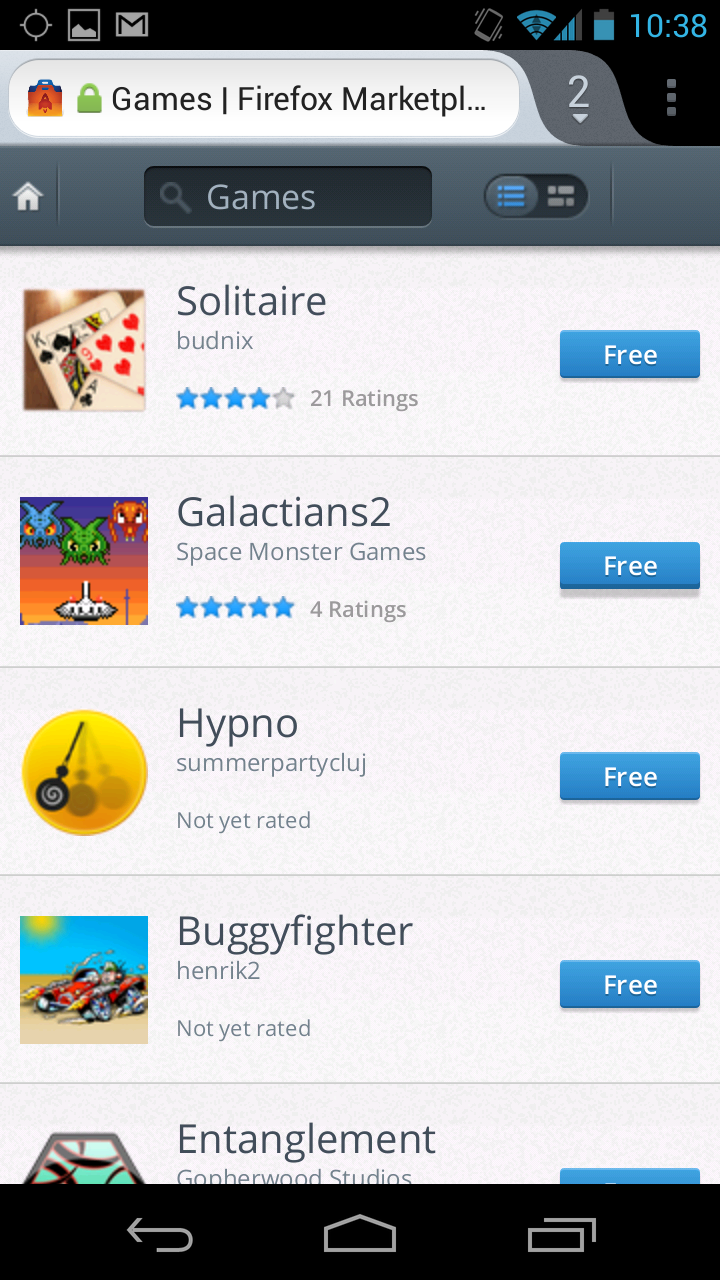
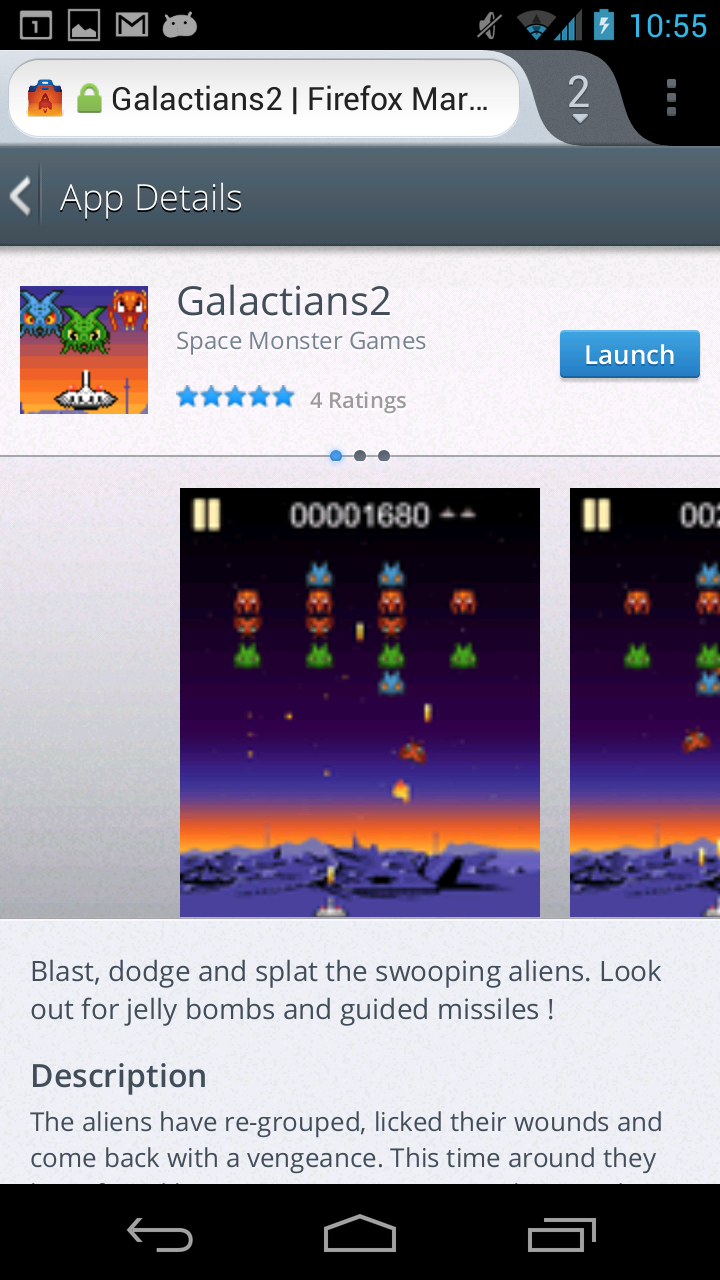
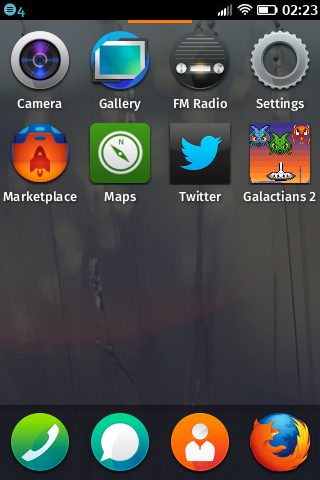
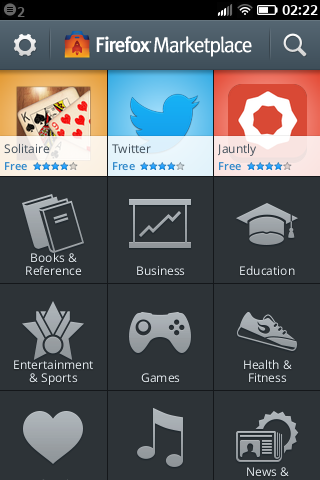
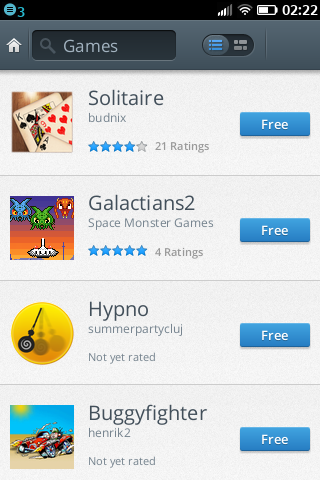
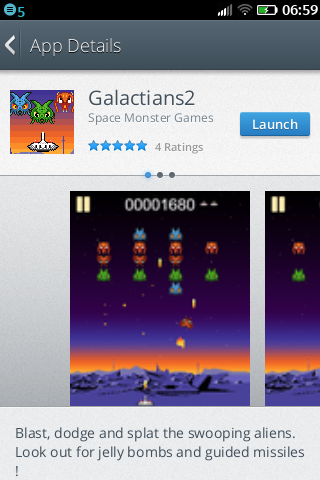
You can also install apps from the Firefox Marketplace
var telephony = navigator.mozTelephony;

// Make an outgoing call
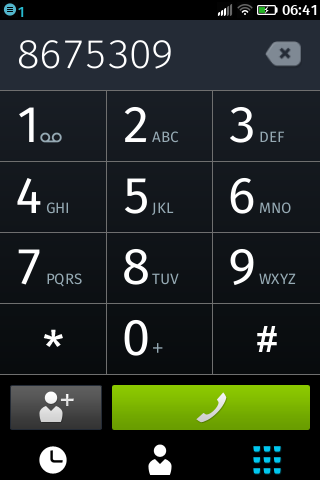
var outgoing = telephony.dial(phoneNumber);

// Receive an incoming call
telephony.incoming = function onincoming(event) {
  var incoming = event.call;

  // Answer the call
  incoming.answer();
};
var wifiManager = navigator.mozWifiManager;

// Current network
wifiManager.connection.network;

// List available networks
wifiManager.getNetworks();
// Launch an activity
var activity = new MozActivity({
  name: 'share',
  data: { type: 'image/png', url: ... }
});
activity.onerror = function() { alert(activity.error.name); };
// Handle an activity request
navigator.mozSetMessageHandler('activity', function(request) {
  if (request.source.name === 'share') {
    var data = request.source.data;
    ...
  }
});
navigator.mozApps API
(This should look familiar)
margaret@mozilla.com
http://margaretleibovic.com/talks/mozilla/mobile.html